Share the essentials
Selected information can travel from my working passage to a shore-side view.
 Connected Sailing
11 / Beyond the boat
Keeping my family closer to the day afloat.
See how it helps ↓
How it helps me aboard Jocelyn
Selected information can travel from my working passage to a shore-side view.
The view shows when the information was last updated, so an old report is not mistaken for a fresh one.
I choose the family or friends I involve and keep the private view separate from the public story.
A Safety Passage keeps the essential electronic log: received position and time, speed and course, available instrument readings and boat status. The website displays the latest received facts and retains the final log when the passage ends. The example below uses demonstration data in the existing website interface. It shows the record shore can read without publishing the skipper’s private observations or contacts.
A Full Passage can add spoken and written observations, photographs, video and the richer passage context. The protected family view requires the skipper’s private link or password; it is separate from the public safety log. When I choose to publish a completed passage, the edited public story can bring photographs and observations together with the factual record and redacted planning context.
The website shows when a report was recorded or received. Internet access, instrument reception and successful uploads are different checks. A displayed position can be old, and a missed update can come from coverage, battery, GPS or equipment connection. A deliberate skipper welfare confirmation is shown separately. These views support the agreed shore-contact routine; they do not establish that a passage is safe.
For Jocelyn’s registered personal AIS beacon/PLB, a supported signal received aboard can be retained as an incident and forwarded through the configured safety and family alert path while passage sharing is active. The shore page has an Enable emergency sound control: the visitor must allow that browser to make an alert audible. Reception, correct beacon identity, sharing, internet and the configured notification services all matter. Delivery status does not prove somebody has seen or heard the warning. Silencing an app or browser does not cancel the beacon or a shore alert. The website is an additional channel alongside the beacon’s emergency function and normal Coastguard arrangements.
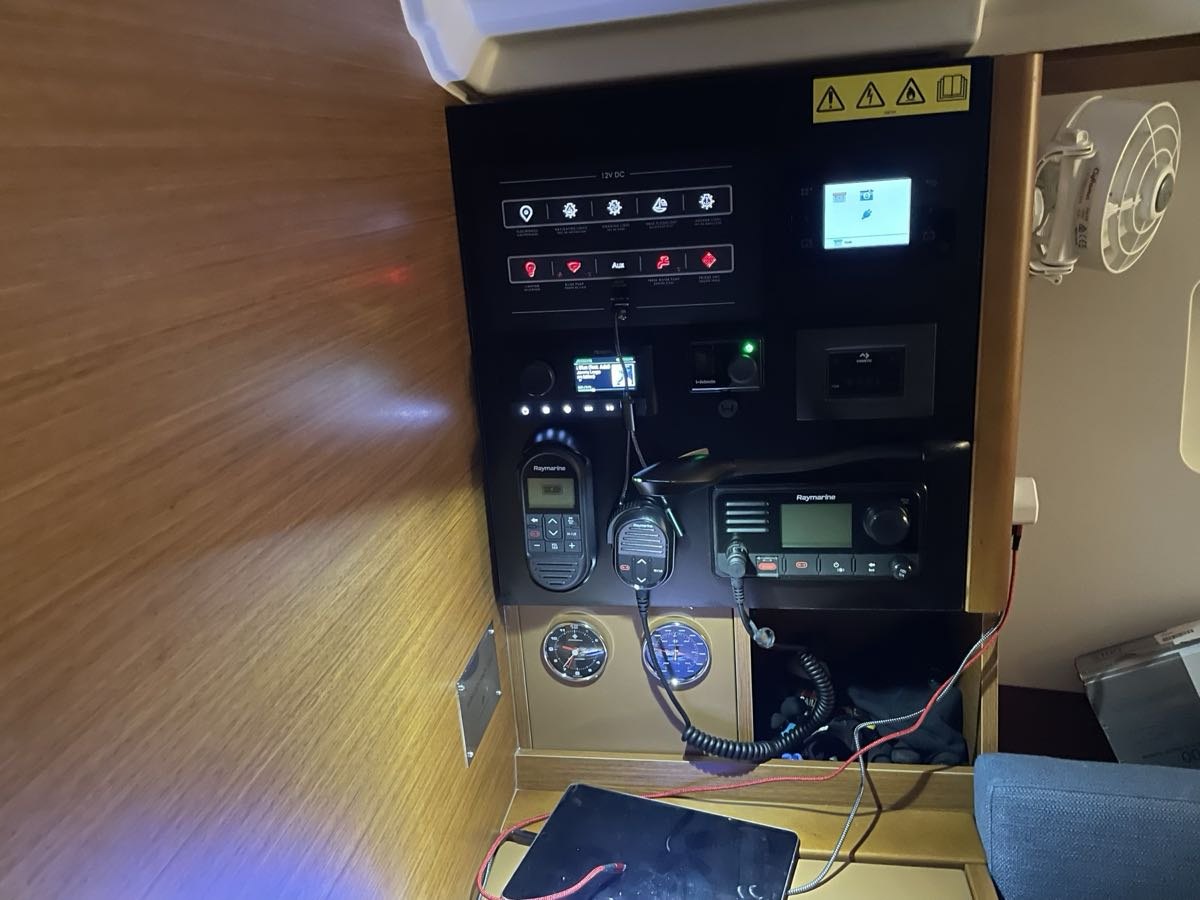
My setup on screen
The public safety view shows received facts and the registered PLB emergency-sound control. The fuller family view is private. The website example is explicitly labelled demonstration data; the app example is shown before sharing starts.

This is the existing website interface populated locally with demonstration data. It shows time, position, instruments, boat status and the Enable emergency sound control for the registered PLB alert path. It is not a live passage or an emergency.
Enlarge screenshot ↗
The private family link gives invited people the fuller shared passage context. This is the actual setup screen before sharing starts; no private link or password is exposed.
Enlarge screenshot ↗It connects with…