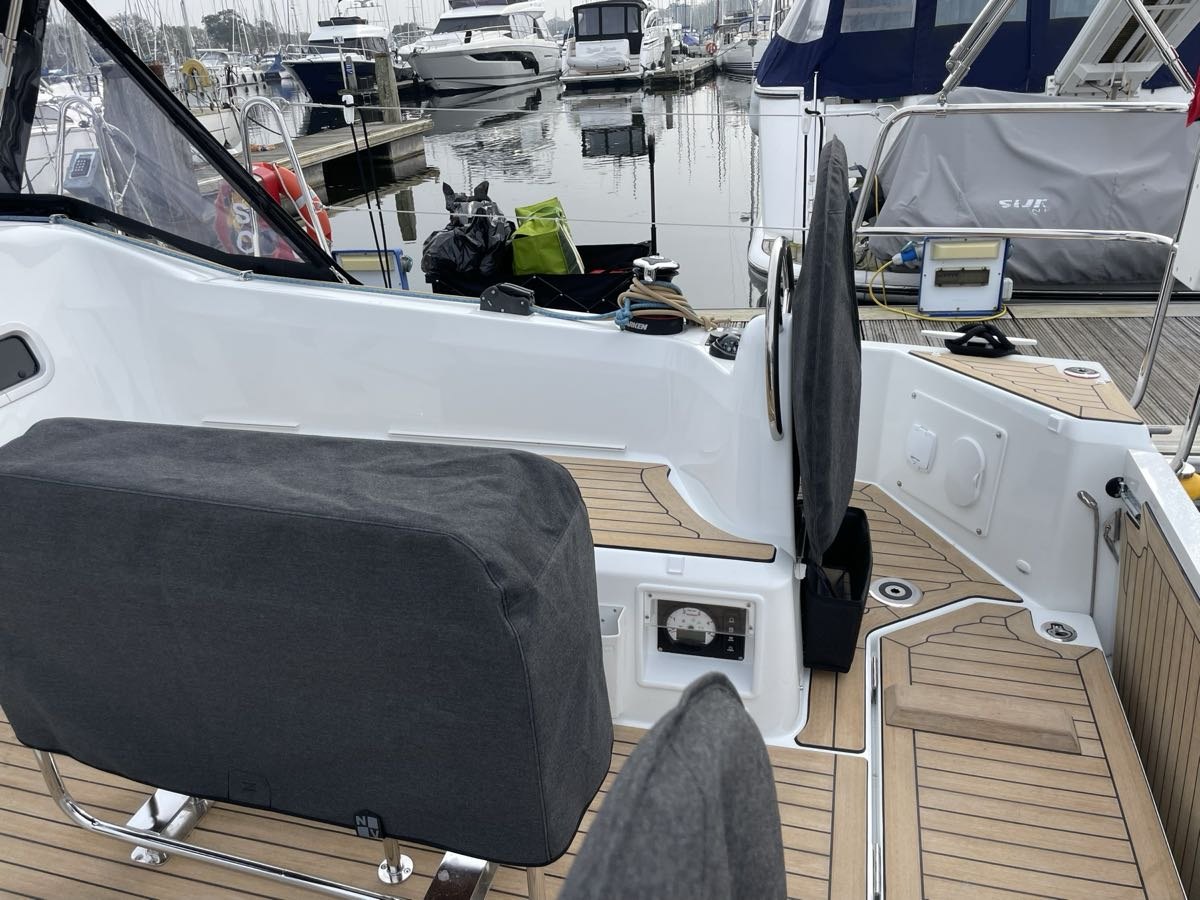
I see Jocelyn’s movement
The separate Swing Watch app gives me a view of movement at anchor or on a mooring.
 Connected Sailing
07 / When we arrive
A depth-based watch circle for my anchoring setup.
See how it helps ↓
How it helps me aboard Jocelyn
The separate Swing Watch app gives me a view of movement at anchor or on a mooring.
I compare the current-depth and expected-high-water circles before setting the anchor.
I confirm the actual tackle and adjust the extra allowance as the depth-based circle updates.
Swing Watch calculates the expected swinging circle from the tackle I have actually confirmed as deployed and the depth below the transducer, corrected for the transducer’s position and the bow roller’s height. It uses live instrument depth when available, or the depth I enter myself. The calculation allows for the horizontal reach of the tackle, the boat and antenna position, and GPS accuracy.
The guided sequence calculates an initial 2:1 deployment, then the working amount for my selected scope; I confirm what I have actually let out.
Before setting the anchor, I can place a proposed position on the planning map and compare circles for the current depth and the expected high-water depth. Entering the anticipated tidal rise recalculates the suggested tackle and the planning circles. The editable chain and rope inventory shows how much of each would be needed and warns if the total exceeds what is aboard. This helps me consider room to swing before committing to the position.
During the watch, the circle recalculates as depth changes: with the same deployed length, shallower water permits more horizontal reach and deeper water permits less. The Tighter–Standard–Wider control changes the extra boat, antenna and GPS allowance; it does not cut inside the calculated tackle reach.
If I let out more tackle or recover some, I record and confirm the actual change before the watch uses that length. Selecting a different scope alone changes guidance, not the active watch boundary. The app guides and records this process; I physically deploy or recover the tackle myself.
The map shows the anchor, boat, calculated boundary and swing trail together. Sustained movement beyond the boundary is treated differently from an isolated position error, and poor GPS is identified.
Mooring Watch uses a separate calculation based on the confirmed attachment line, boat position and GPS allowance. Jocelyn Swing Watch remains a separate companion app; it has not yet been folded into Connected Sailing as an automatic arrival step.

My setup on screen
The Swing Watch screenshot above shows the separate anchor-watch interface. Boat Brain also keeps Jocelyn’s current anchoring routine available; the depth-based circle and confirmed deployed tackle remain the watch’s calculation.

Boat Brain keeps Jocelyn’s working anchoring procedure close to hand. It complements the separate Swing Watch calculation; it does not deploy the tackle or set the watch automatically.
Enlarge screenshot ↗It connects with…