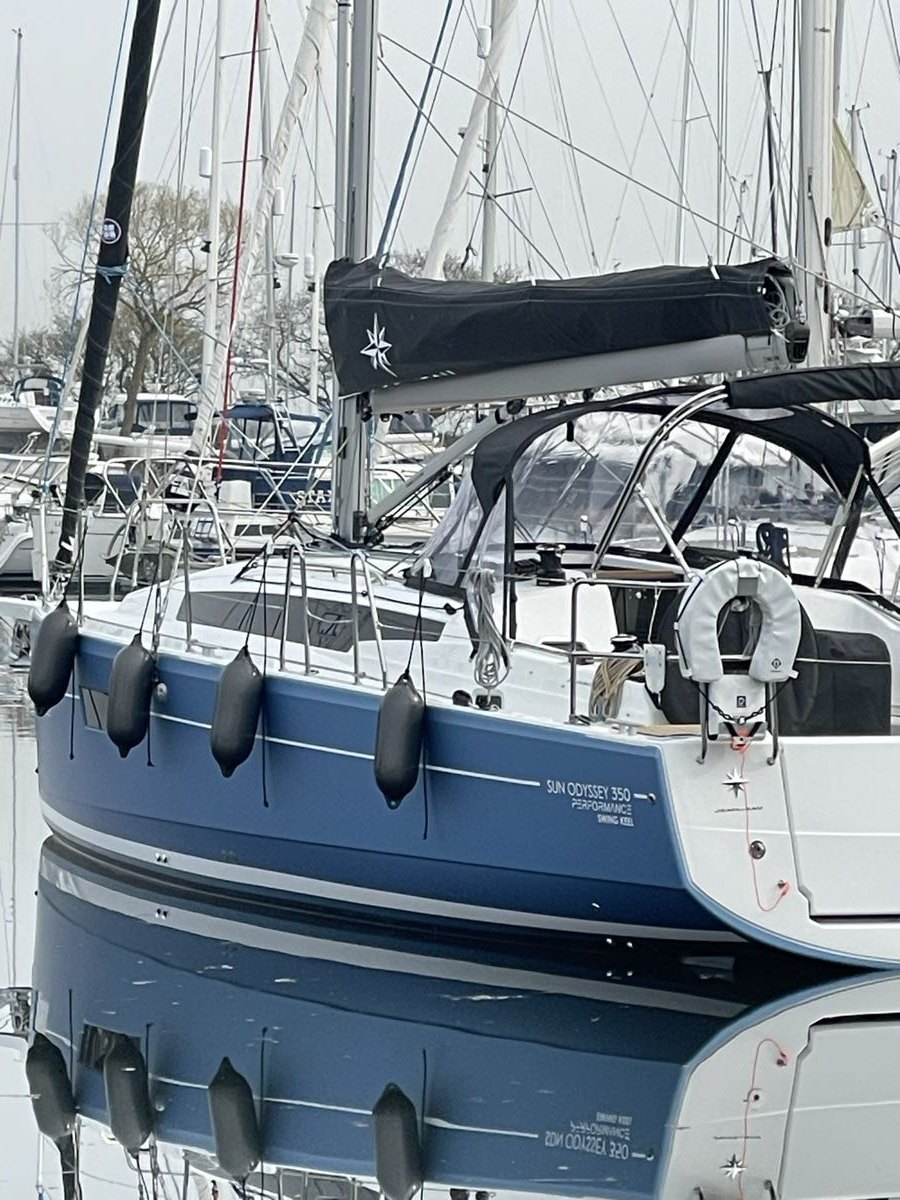
Understand an encounter
I can see received AIS traffic and the enabled encounter warnings around Jocelyn.
 Connected Sailing
08 / Under way
More context for the decisions I make aboard.
See how it helps ↓
How it helps me aboard Jocelyn
I can see received AIS traffic and the enabled encounter warnings around Jocelyn.
The reviewed passage pack keeps local details available where I need them.
I add pot sightings and notes that may help me on a future visit.
Received AIS information helps show nearby vessels and potential encounters. Enabled collision warnings and the encounter map give me another reason to look carefully and assess what is happening.
When suitable AIS safety-device messages are received, the system can distinguish supported message types and retain an incident position for review. An alarm ending should not make the location disappear from view.
Pot sightings, research and estimated risk areas can add useful context to the map. A recorded sighting is different from an estimate; neither establishes that an unmarked patch of water is clear.
The reviewed passage pack travels from the Mac to Connected Sailing on the iPad and iPhone. Aboard, the iPad brings that local material into the passage view, connecting the preparation with the area I am actually sailing through.
My setup on screen
The explicitly simulated encounter makes the AIS display easier to understand. The settings show the separate controls for closest approach, audio and supported AIS MOB/safety devices.

The AIS demonstration shows how traffic and closest-approach context are presented. It is explicitly simulated, not live traffic. The operational watch requires suitable received AIS data and permissions.
Enlarge screenshot ↗
Closest-approach warnings, spoken and loud warnings, and supported AIS MOB/safety-device warnings have explicit controls. The same screen includes audio-output checks. Shown as a configuration example, not proof that a watch is armed.
Enlarge screenshot ↗It connects with…